How to Remove a Device
Follow these steps to remove a device from your Ghost Network.
- Open the Ghost Network app on your device.
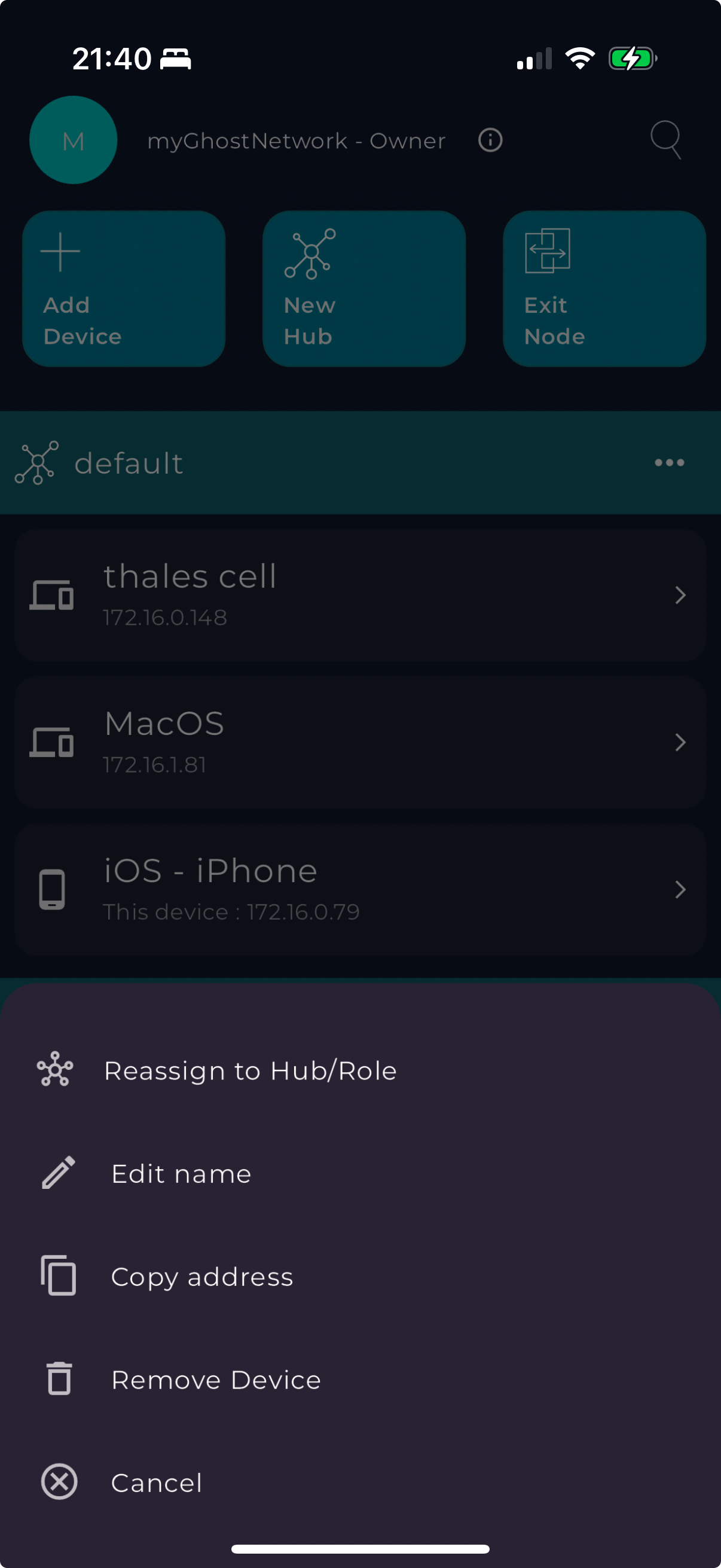
- Navigate to the device list and locate the device you want to remove.
- Tap on the device.
- Select "Remove Device" from the menu.
- Confirm the removal to disconnect the device from your network.