How to Create a Phantom Hub
Follow these steps to create a Phantom Hub and manage devices within it.
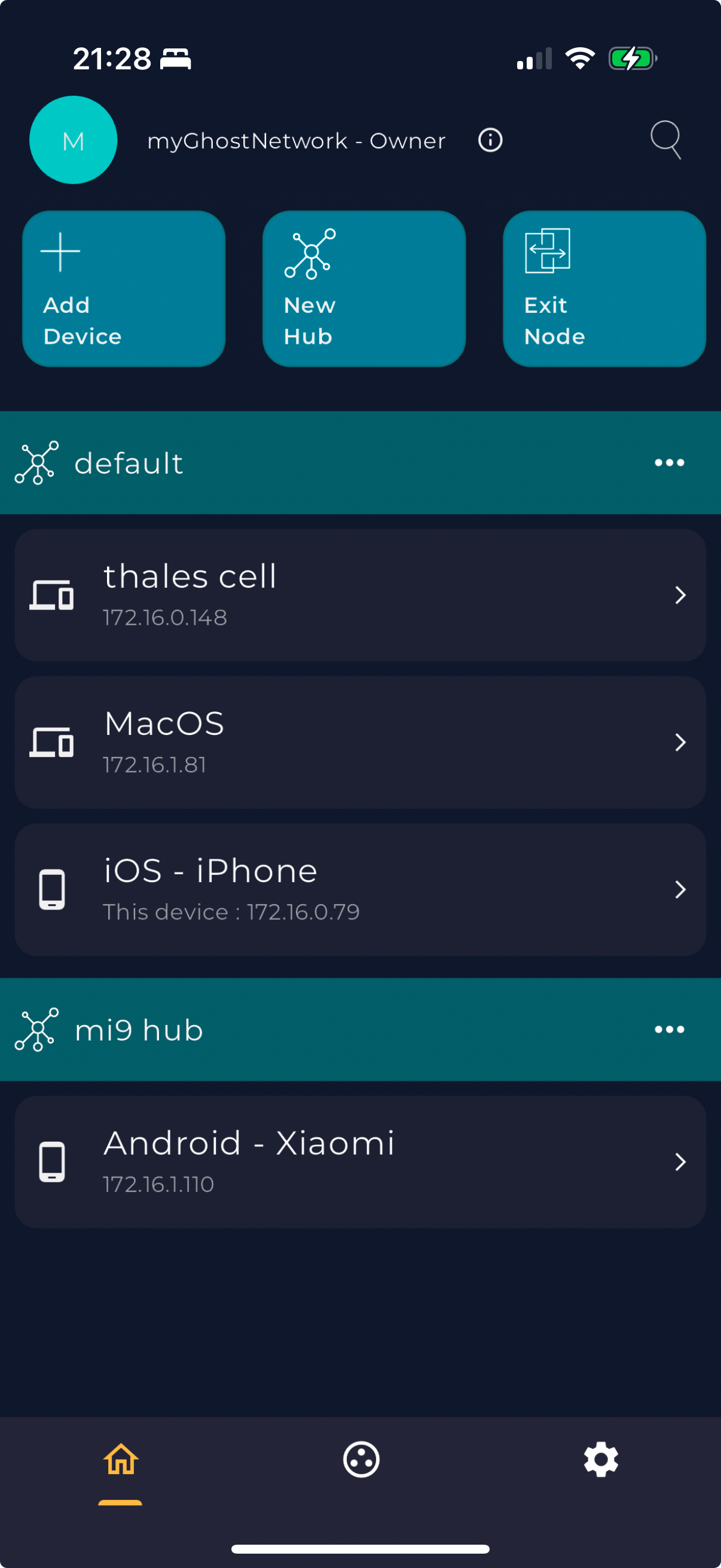
- Open the Ghost Network app on your device.
- Navigate to the main menu and select "New Hub".
- Name your Phantom Hub and configure its settings as needed.
- Save the hub and start adding devices to it by tapping on the device and selecting the new hub.