How to Change Role or Hub
Follow these steps to reassign a device to a different role or hub in your Ghost Network.
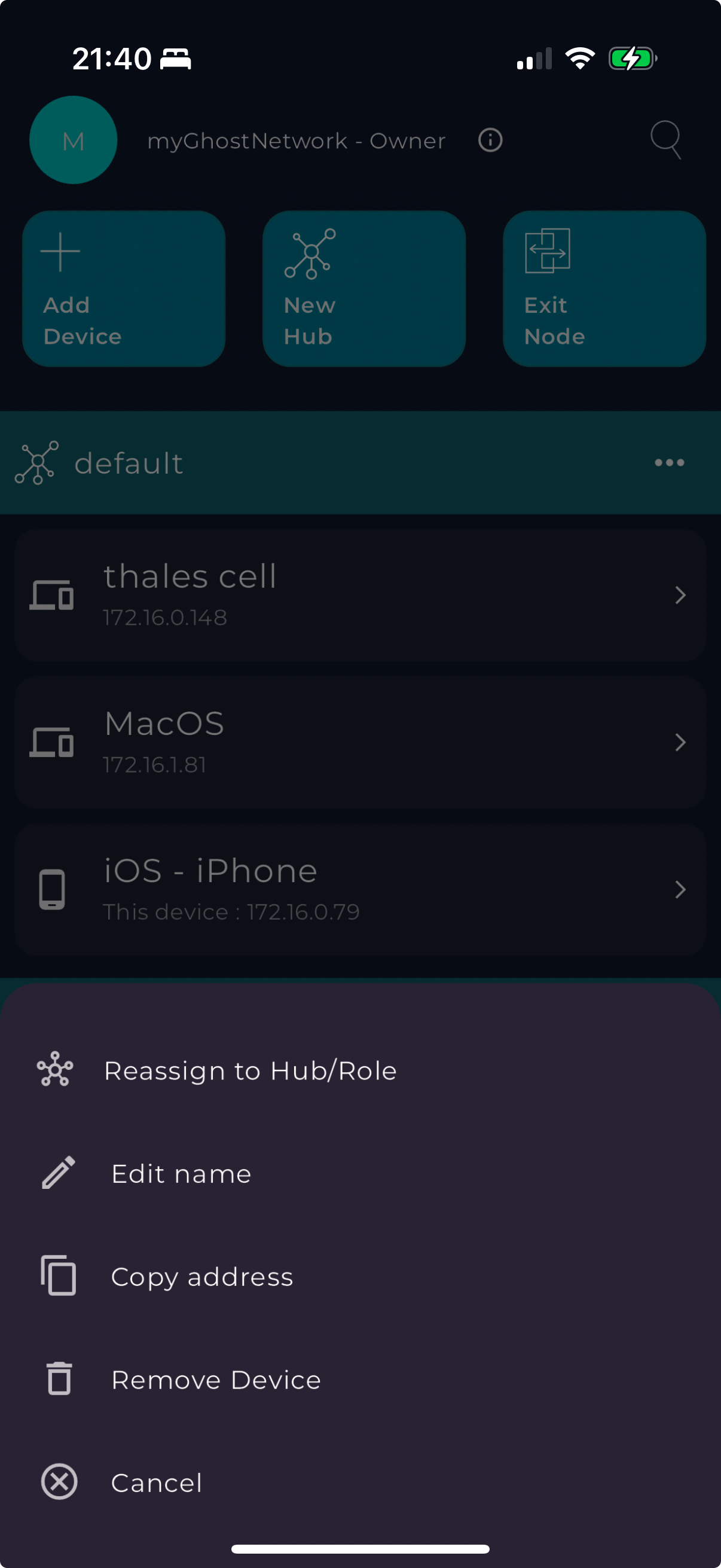
- Open the Ghost Network app on your device.
- Navigate to the device list and locate the device whose role or hub you want to change.
- Tap on the device.
- Select "Reassign to Hub/Role" from the menu.
- Choose the new hub or role for the device and confirm your selection.