How to Add a Device
Follow these steps to add a new device to your Ghost Network.
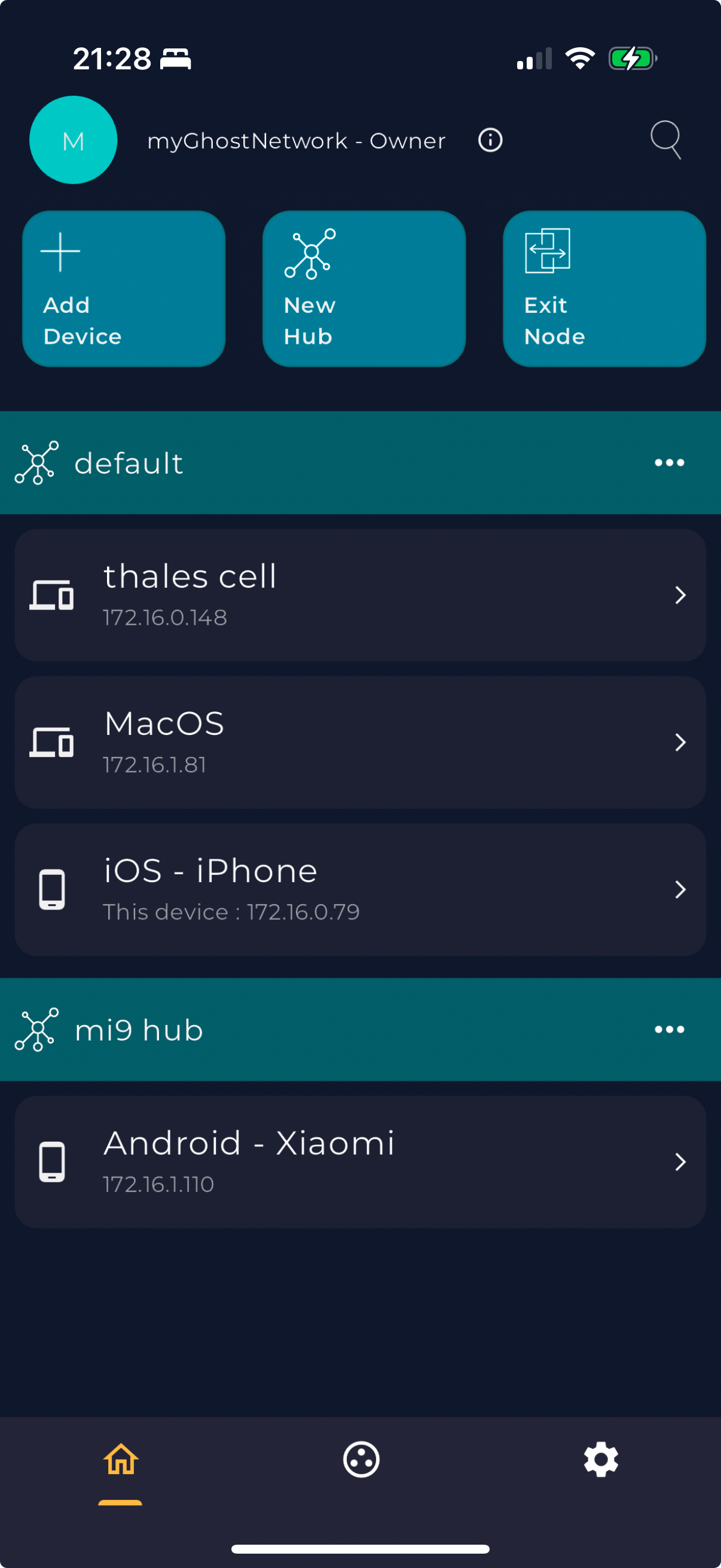
- Open the Ghost Network app on your device.
- Navigate to the main menu and select "Add Device".
-
Choose the method to add the device:
- Scan a QR Code.
- Enter a 12-digit code.
- Follow the on-screen instructions to complete the process.